What it is
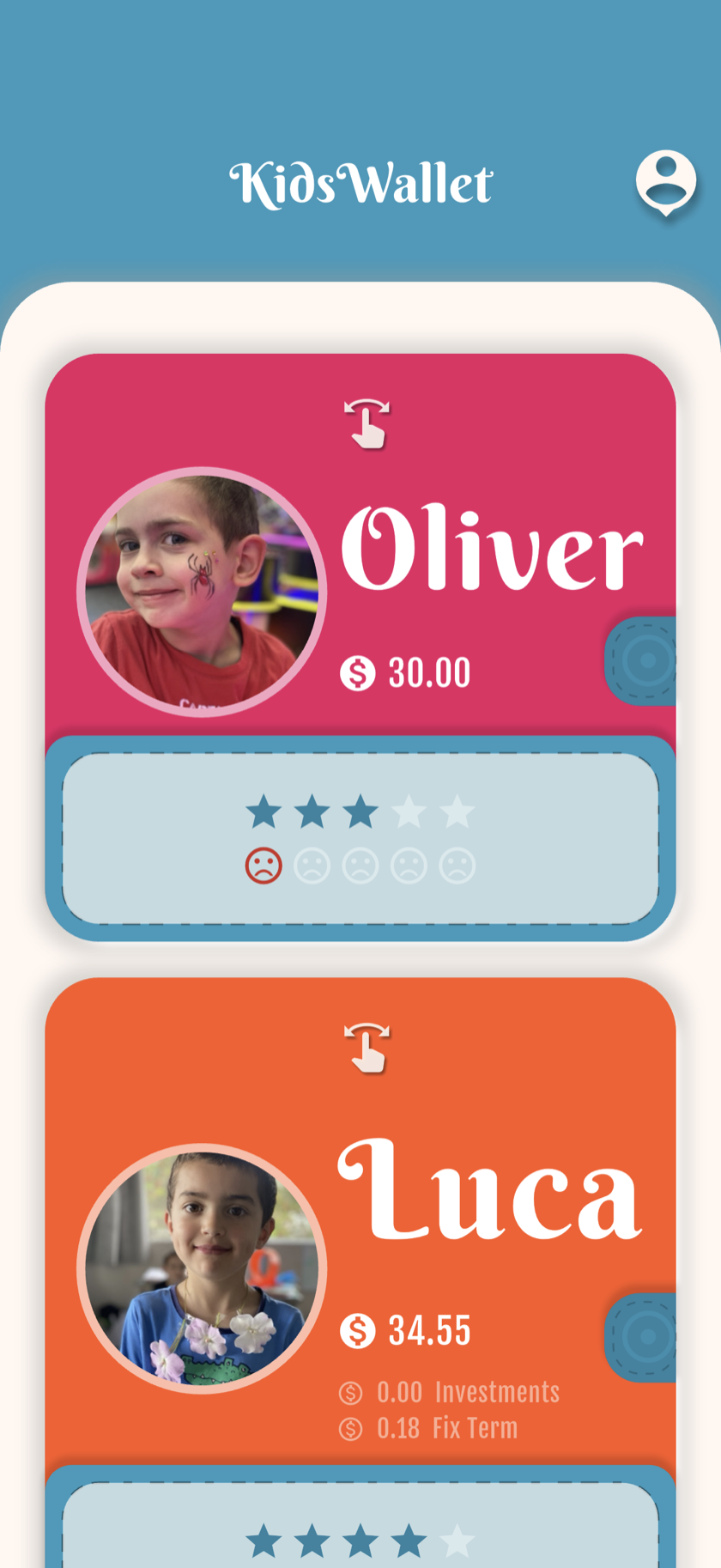
Each child gets their own virtual wallet with a name, photo, color and balance split across available, invested and term-deposit funds.
Parents enable or disable features per wallet — rewards for Sofía (5), allowance for Mateo (10), investments for Valentina (14).
How to set it up
Create a wallet
Add a new wallet from the parent app for each child.
Personalize
Upload a photo and pick a color — kids recognize their wallet instantly.
Enable features
Turn on rewards, allowance, favorites, term deposits or investments per child.
Optional kid login (Premium)
You can do everything from the parent app without it. Kid login on their own device is a Premium extra, not required.
Laura's family
Laura manages three wallets: Sofía (5) with stars and warnings, Mateo (10) with weekly allowance and Favorites, Valentina (14) with term deposits and a virtual stock portfolio.
FAQ
How many wallets can I create?
Starter includes 1 wallet. Family supports up to 3. Premium is unlimited — one subscription covers your whole family.
Does my child need an email?
Only if you enable kid access. Otherwise you manage everything from the parent view.
Can siblings see each other's balances?
Each kid login only shows their own wallet. Parents see all wallets.