All ages
Deposits & Withdrawals
Manual moves and a coin-to-cash ratio you define
What it is
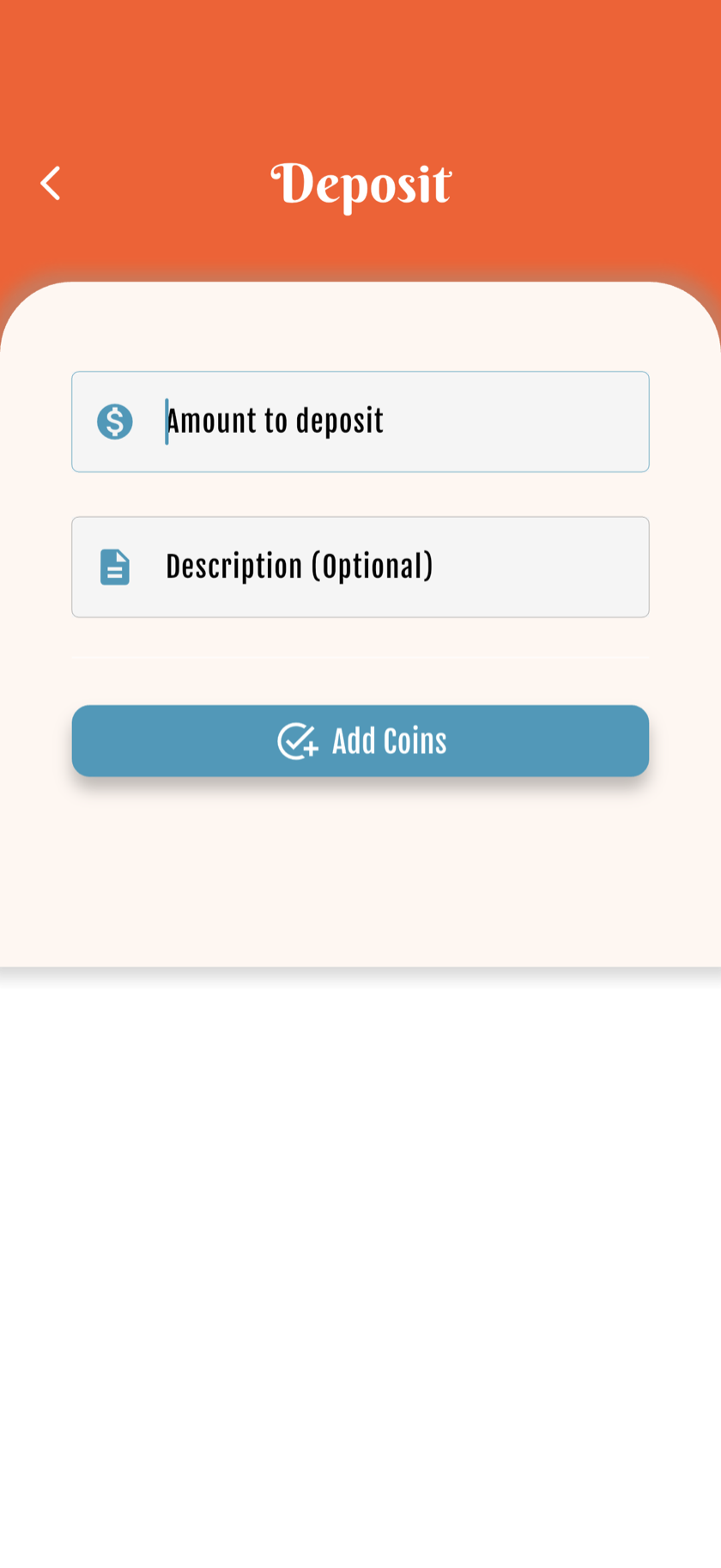
Parents add or remove coins manually — birthdays, good grades, negotiated purchases. Withdrawals show the real-money equivalent based on your ratio.
The ratio is the bridge between virtual coins and real-world spending conversations.
How to set it up
1
Set your ratio
Example: 100 coins = $1 (adjust to your family).
2
Add deposits
Bonus coins for birthdays, holidays or achievements.
3
Process withdrawals
Child requests; parent approves. Shows $ equivalent.
4
Talk it through
Use the $ amount to negotiate real purchases responsibly.
Real-world withdrawals
Hot Wheels ($3) = 300 coins at 100:$1. Screen time: 10 coins = 10 minutes. Birthday from grandpa: +100 coins. Good report card: +20 coins.
| Real prize | Coins | Ratio |
|---|---|---|
| Hot Wheels $3 | 300 | 100:$1 |
| 10 min screen time | 10 | 1:1 min |
| Ice cream treat | 15 | Family agreed |
| Birthday bonus | +50 | Manual deposit |
FAQ
Who approves withdrawals?
Parents approve from the parent app. Kids can request from their view.
Can the ratio differ per child?
Each wallet can have its own settings — adapt to age and maturity.
Is this real money?
Coins are virtual. Withdrawals represent agreed real-world exchanges you fulfill as parents.