1
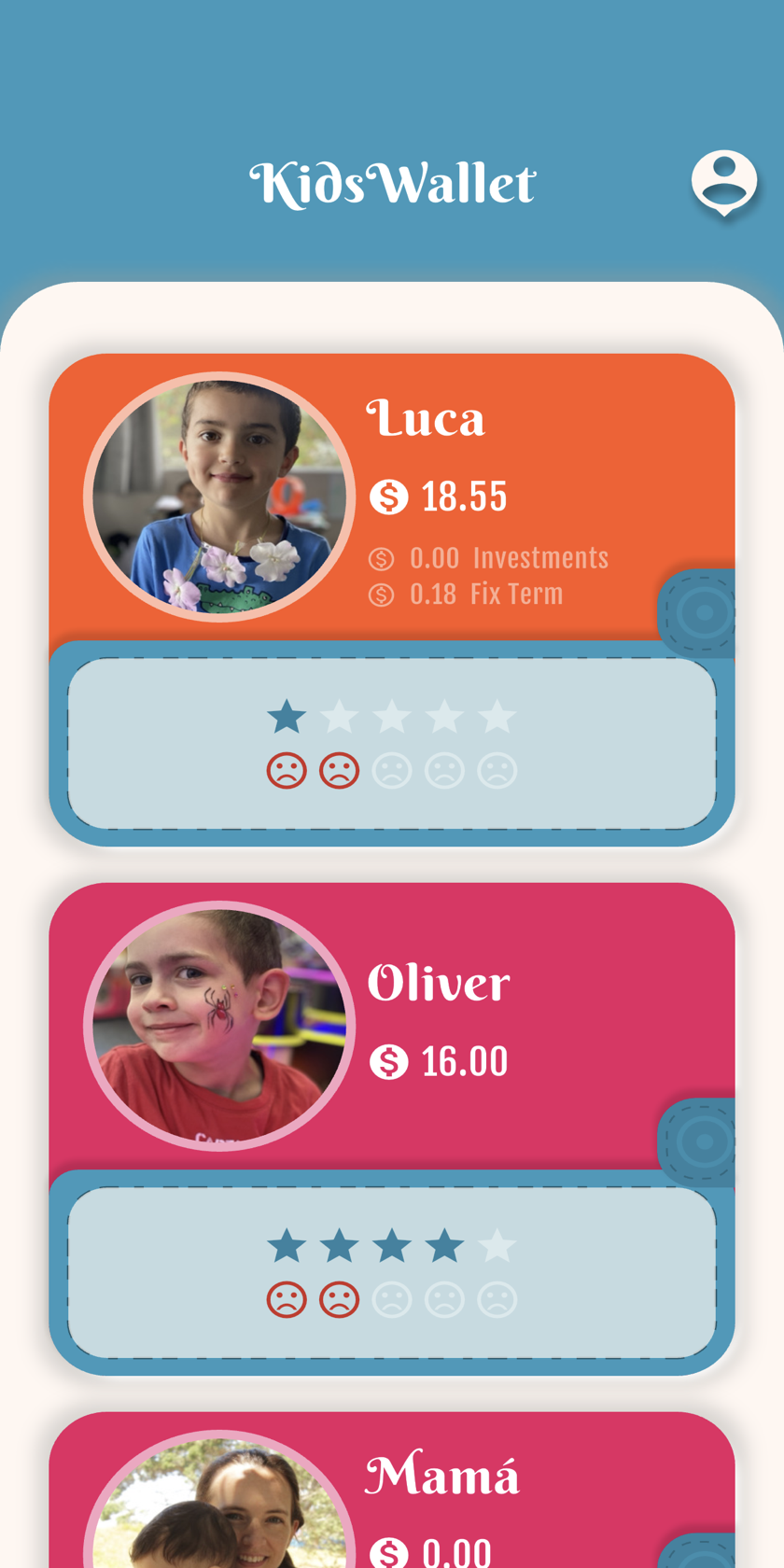
List of wallets
Open the parent app to see every child's wallet.
2
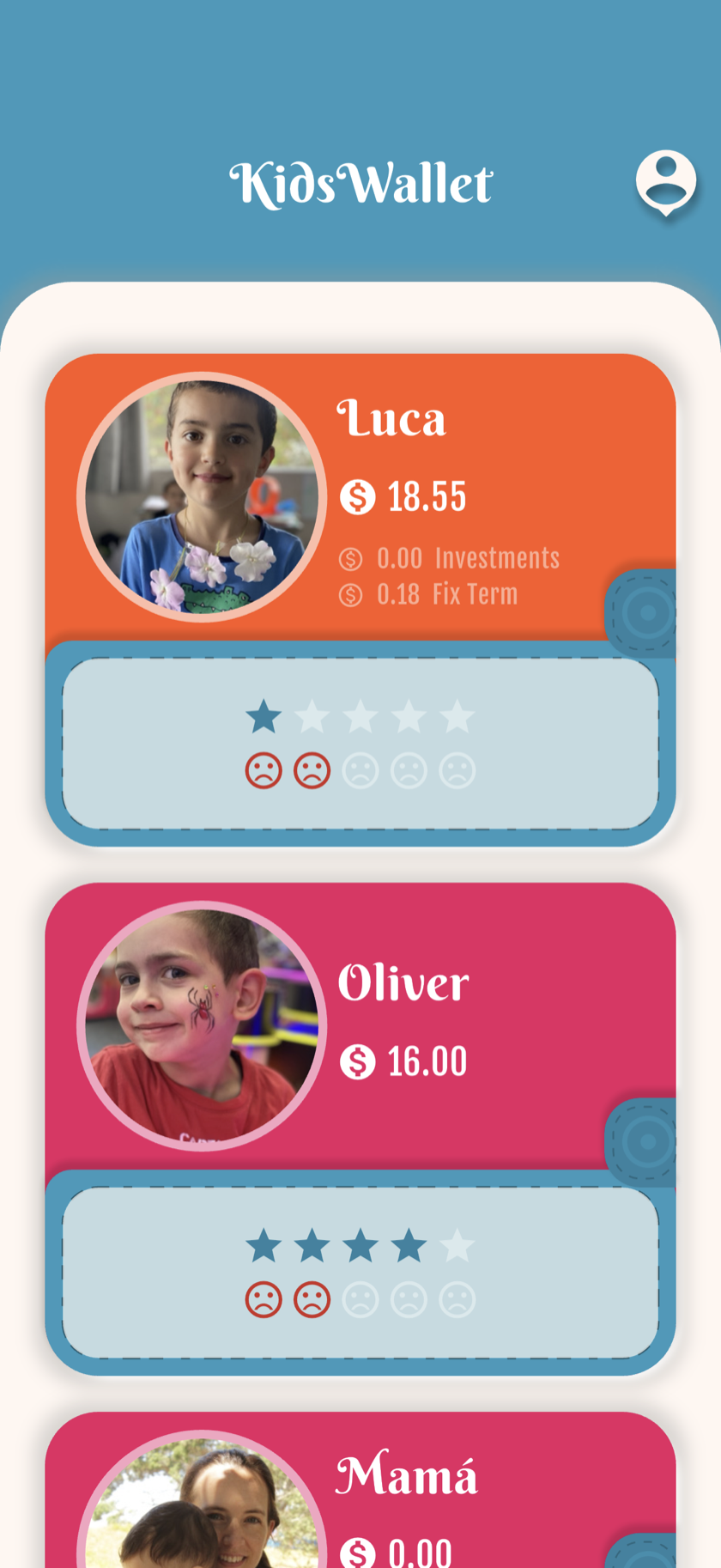
Wallet detail
Tap a wallet to view balance and settings.
3
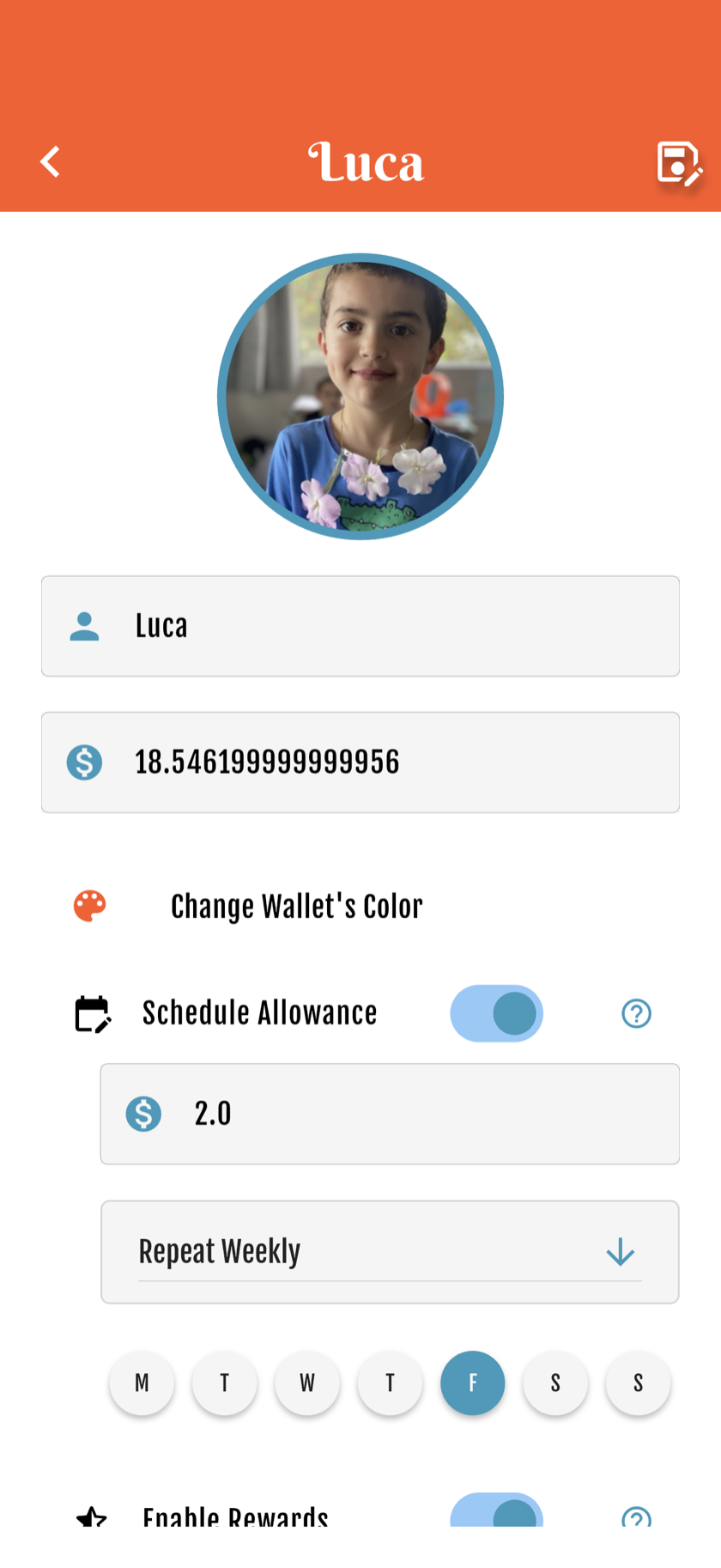
Name, photo & color
Open Account → Your Wallets → the child. Then set name, photo and color.
4
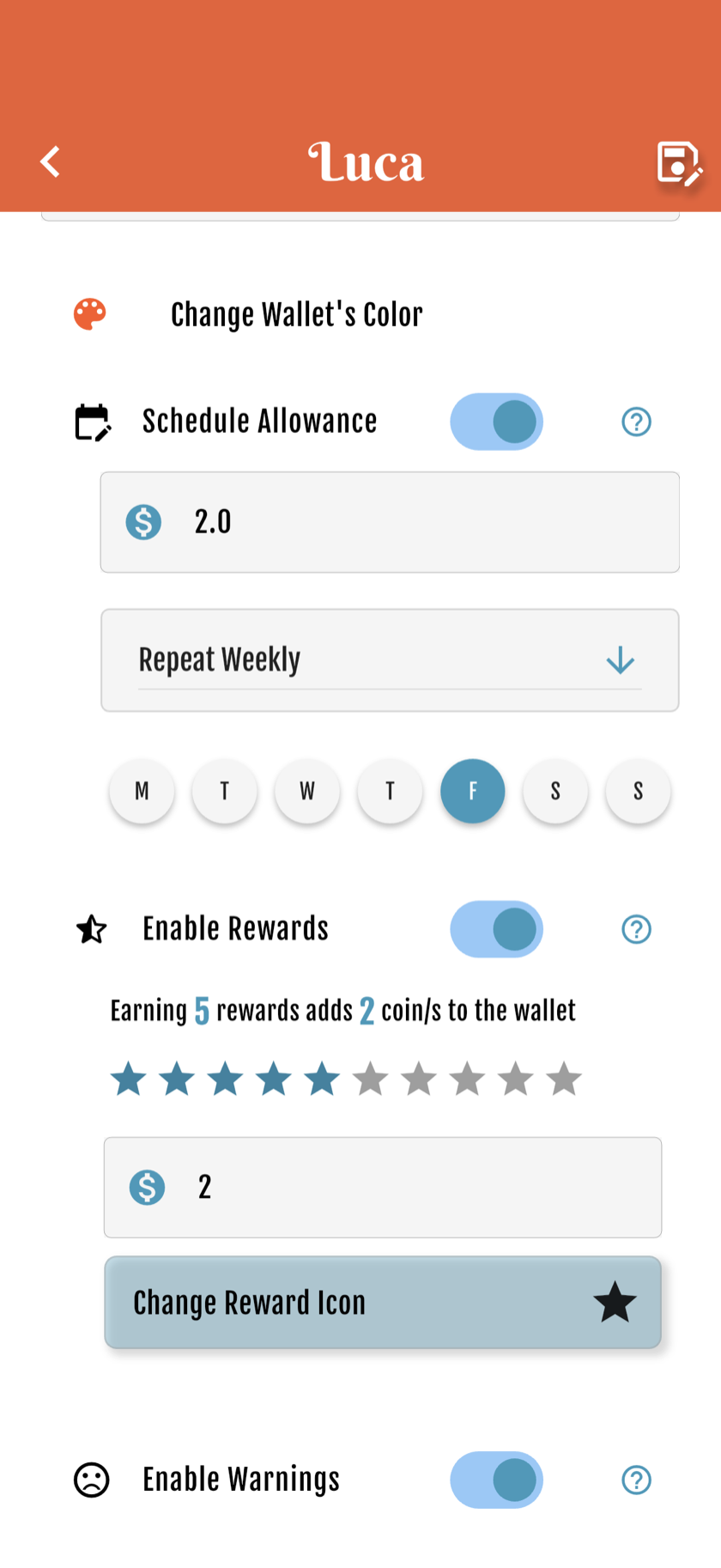
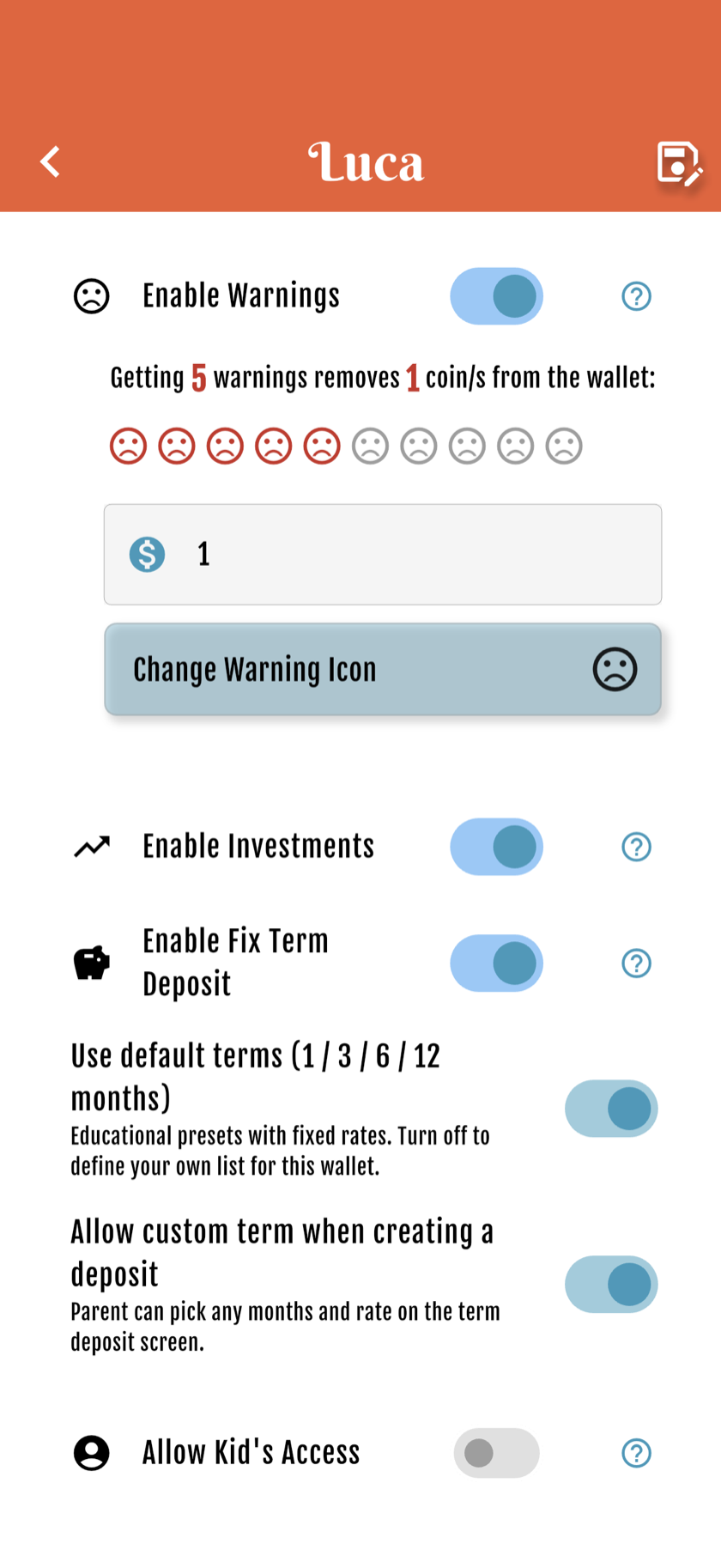
Feature toggles
Enable rewards, allowance, favorites and more per child.
5
Kid access (Premium)
Optional kid login on their own device — Premium only, not required.
Starter free forever · Family: 7 days free, then from US$4.99/mo


Get started free