Tasks
Daily routines and surprise tasks for each wallet — kids earn coins when they finish.
Turn on tasks
Open Account → Your Wallets → the child and turn on daily tasks. Set “Coins for completing all tasks” — paid once a day when every daily task is done. From here, open “Configure daily tasks” and “Configure random tasks”. Each wallet has its own lists.
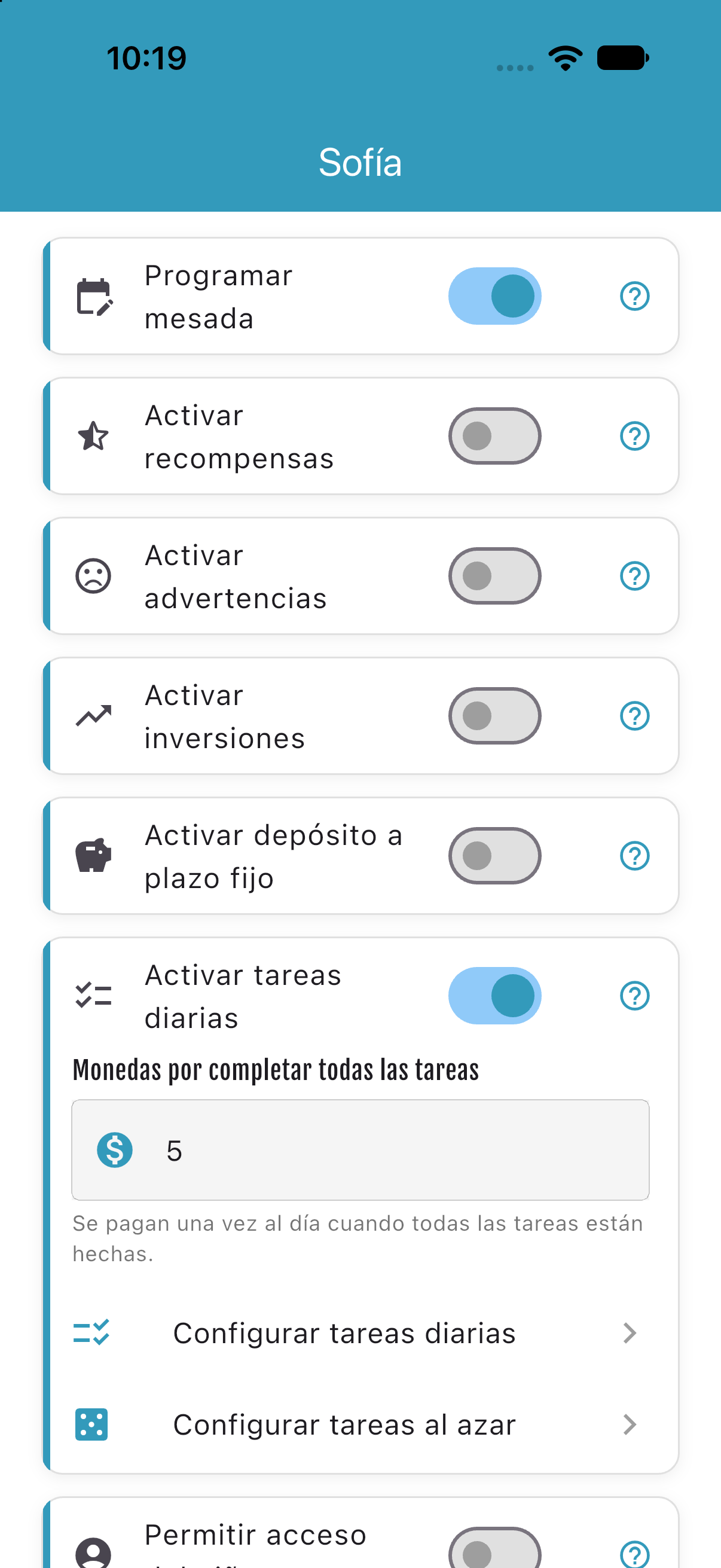
Daily list
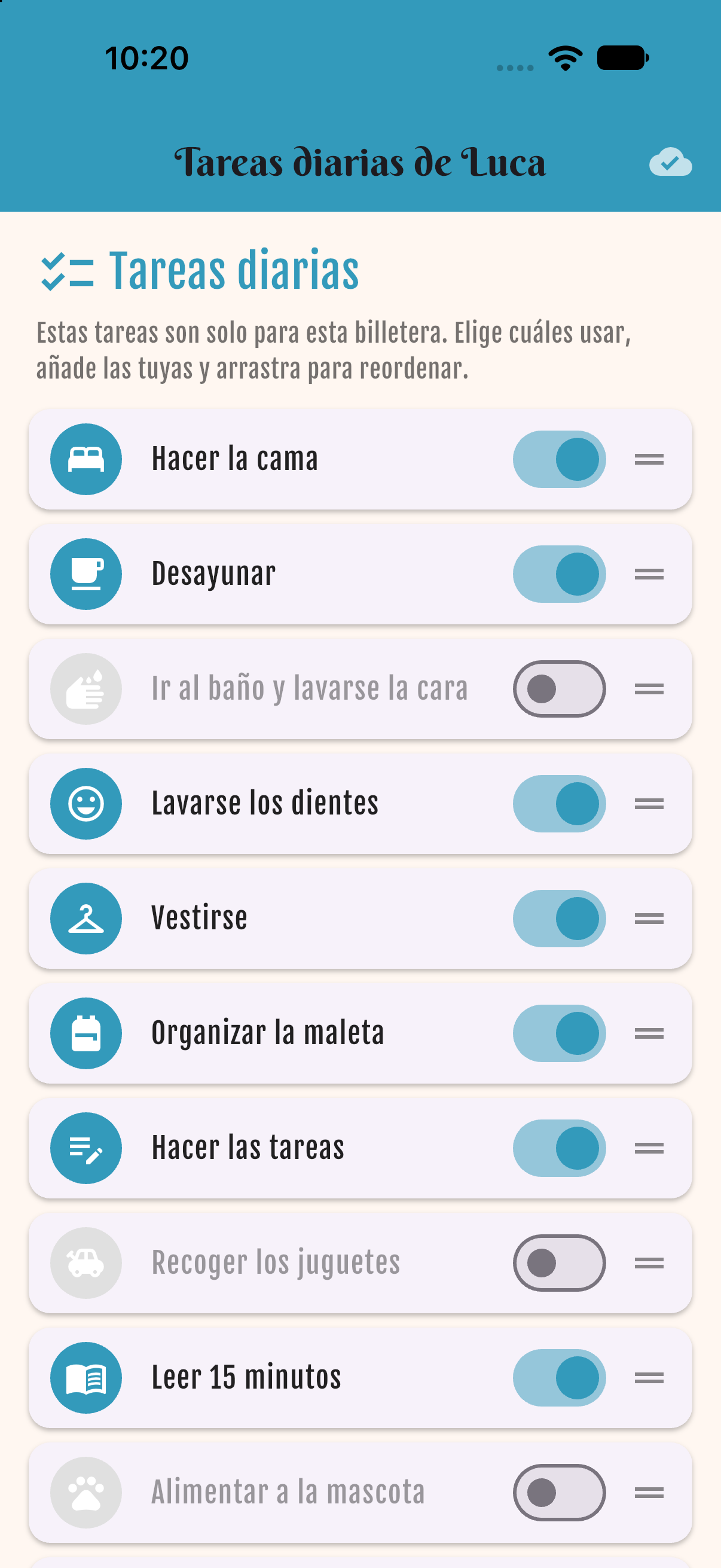
The list starts with suggested tasks (make the bed, breakfast, brush teeth, get dressed, pack the school bag, homework, read 15 minutes…). Switch tasks on or off and drag the handle to reorder. The child sees them in this order.
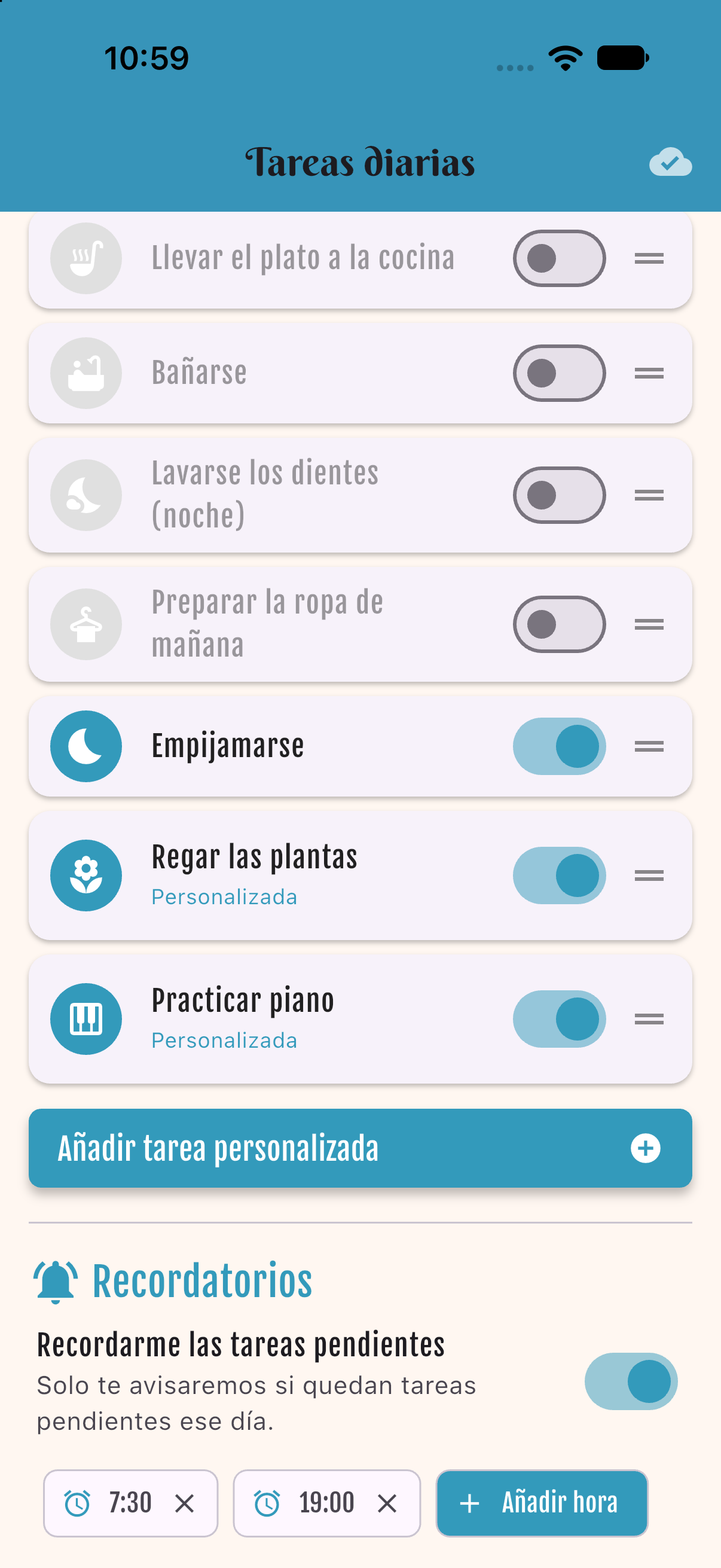
Custom tasks & reminders
Tap “Add custom task”. Starter includes up to 3 custom tasks; Family and Premium are unlimited. Reminders (Family+): get a push at the times you choose, only if tasks are still pending that day.
Check them off
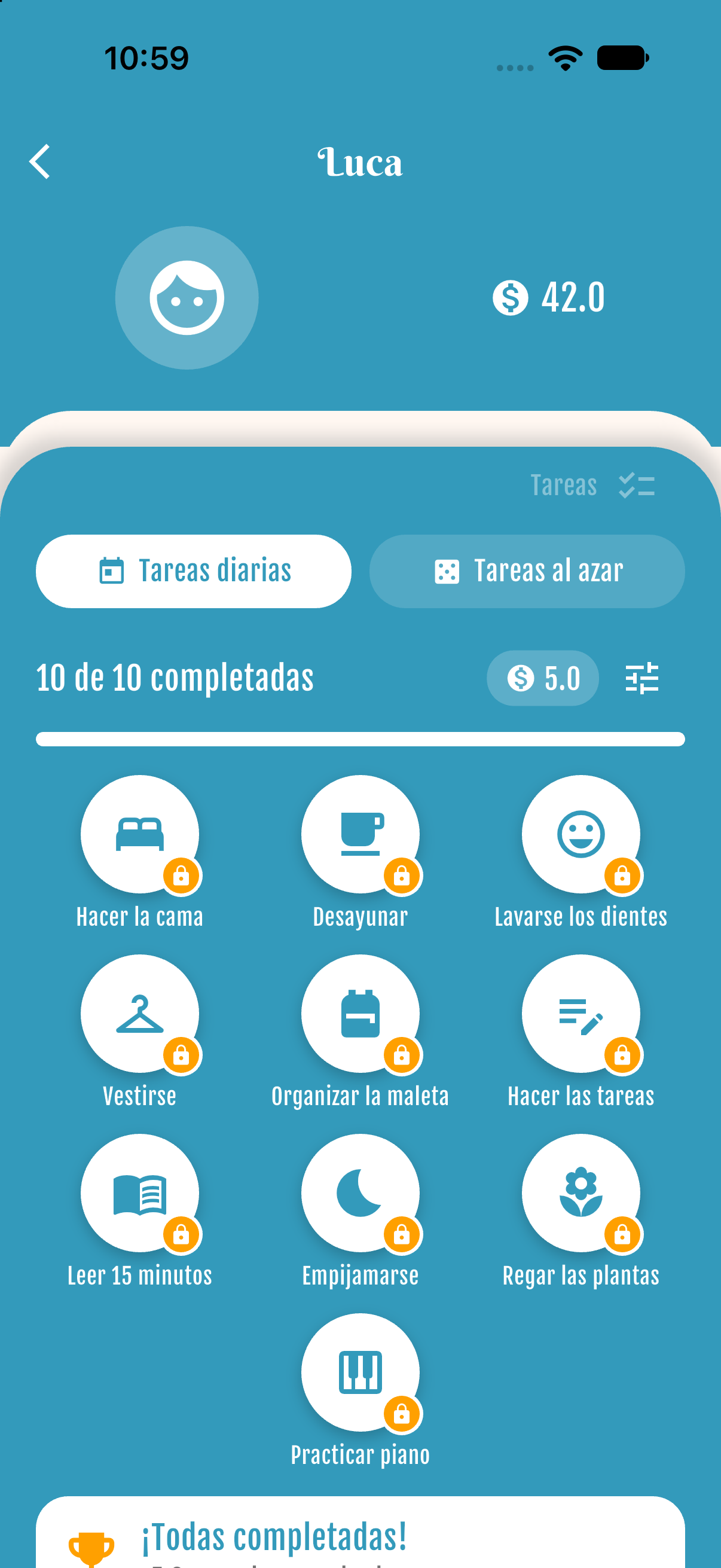
In the child's wallet open Tasks → Daily tasks. Tap a task to mark it done. The progress bar shows how many are finished, for example “4 of 10 done”.
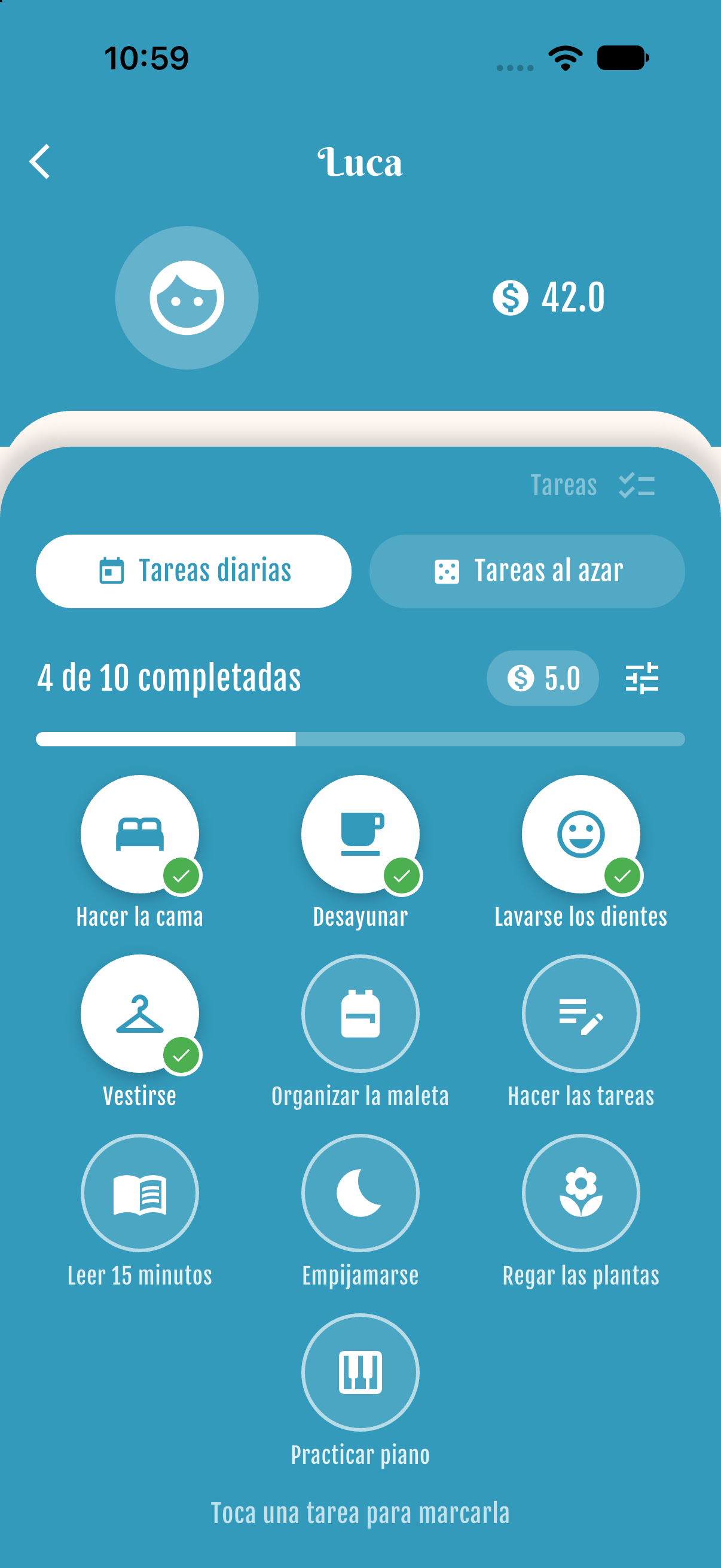
Coins for finishing all
When every daily task is done, the coins are paid automatically once that day and the tasks lock until tomorrow.
Random tasks
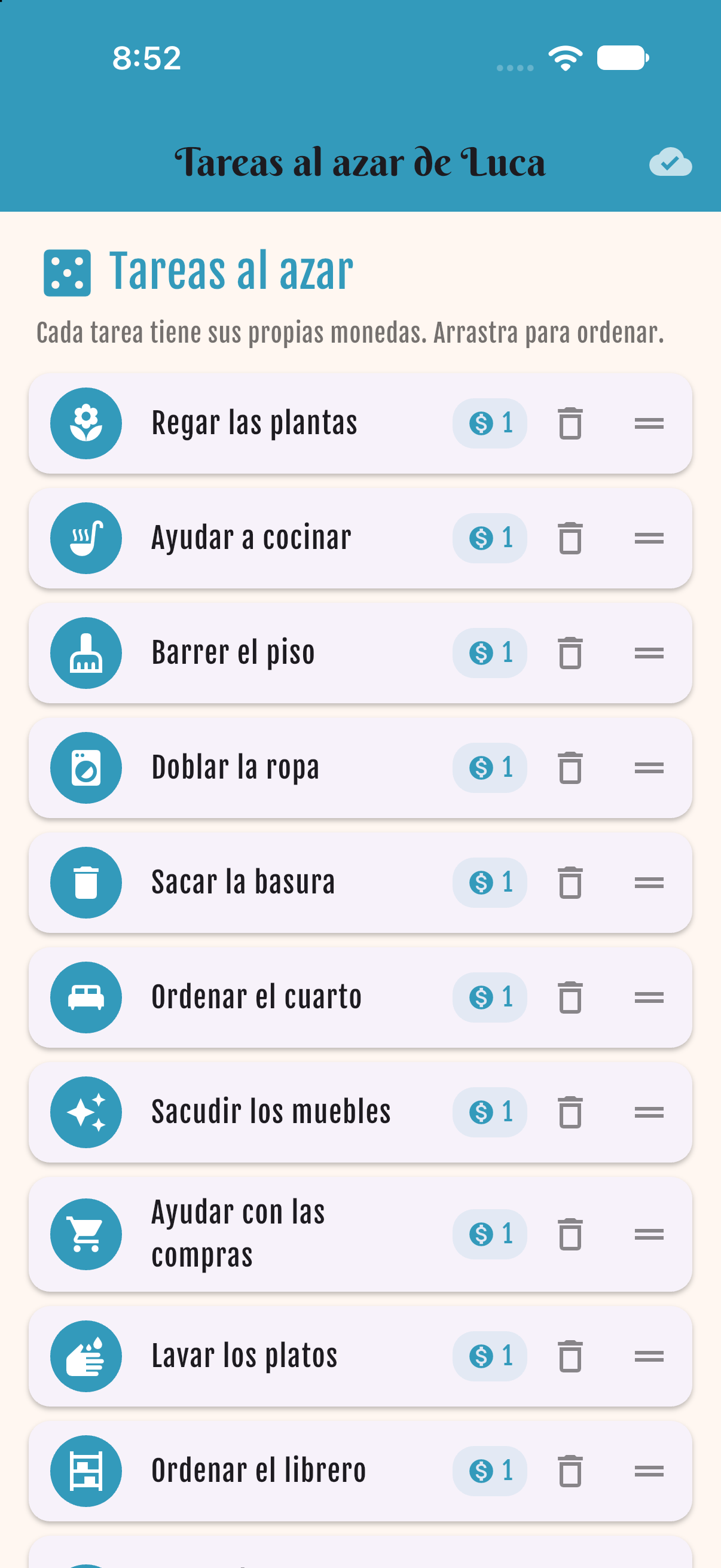
A separate list of occasional chores (water the plants, help cook, take out the trash…). Each one has its own coin amount. Add your own, delete one, or drag to change the order.
In the wallet
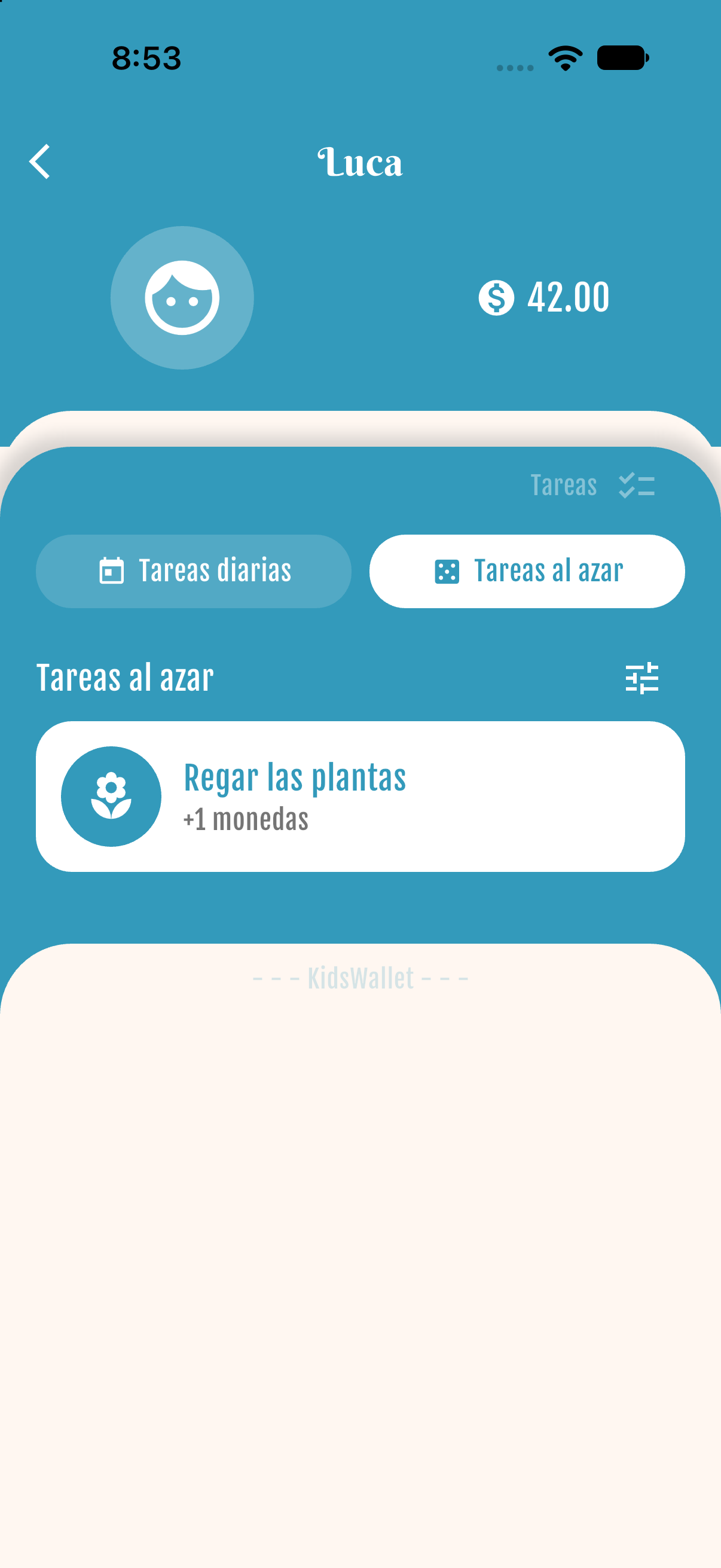
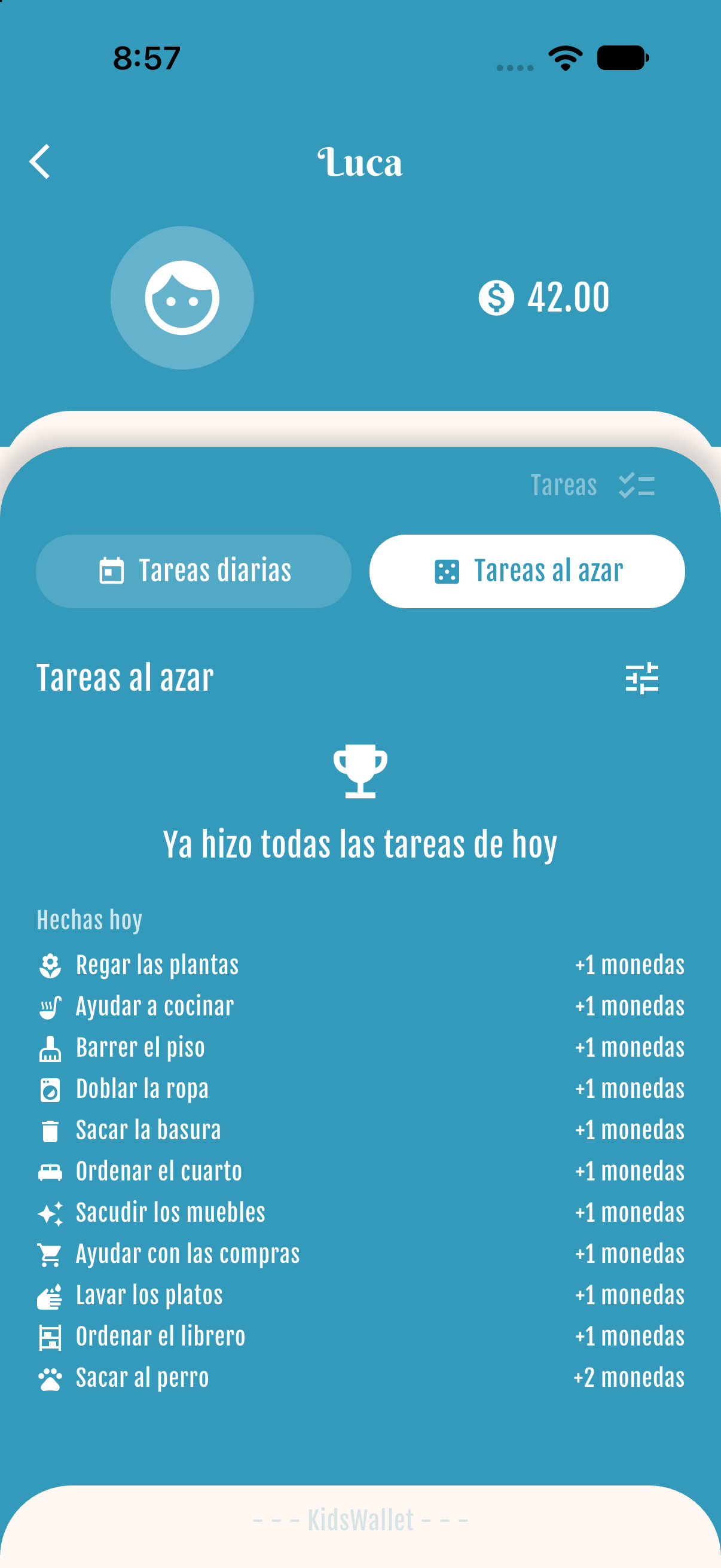
Open Tasks → Random tasks. Tap one when the child does it and its coins are paid right away. “Done today” shows what they already finished.
Get started free