Family+
Deposit link
Share a web link so friends and family can send coins. Every deposit needs your approval.
1
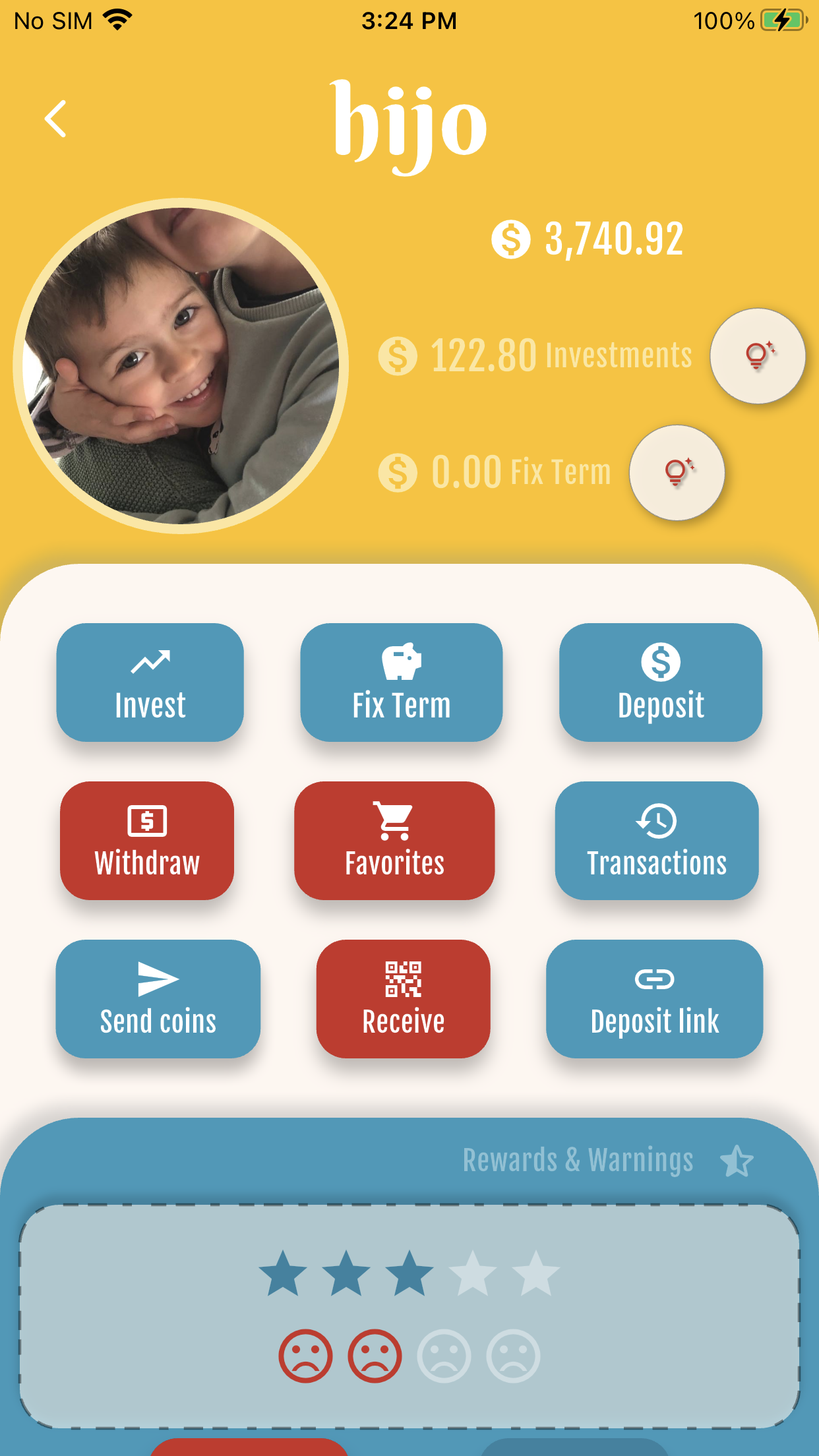
Open Deposit link
Open the child’s wallet and tap Deposit link (Family+).
2
Create link & limits
Create the link, set max coins per deposit and per day, and an optional message for guests.
3
Copy or share the URL
Copy or share the link (kidswallet.app/d/…). Anyone with the URL can open the guest page.
4
Guest deposit page
Guests enter their name (required), an optional message and amount. They see coin↔cash equivalence and a short disclaimer — no real payments.
5
Approve or reject
You get a push and an inbox item. Open Deposit link to approve or reject each request.
6
History after approval
Approved deposits appear in Transactions as “{name} via link” (or the local equivalent).
Starter free forever · Family: 7 days free, then from US$4.99/mo


Get started free