1
Open allowance
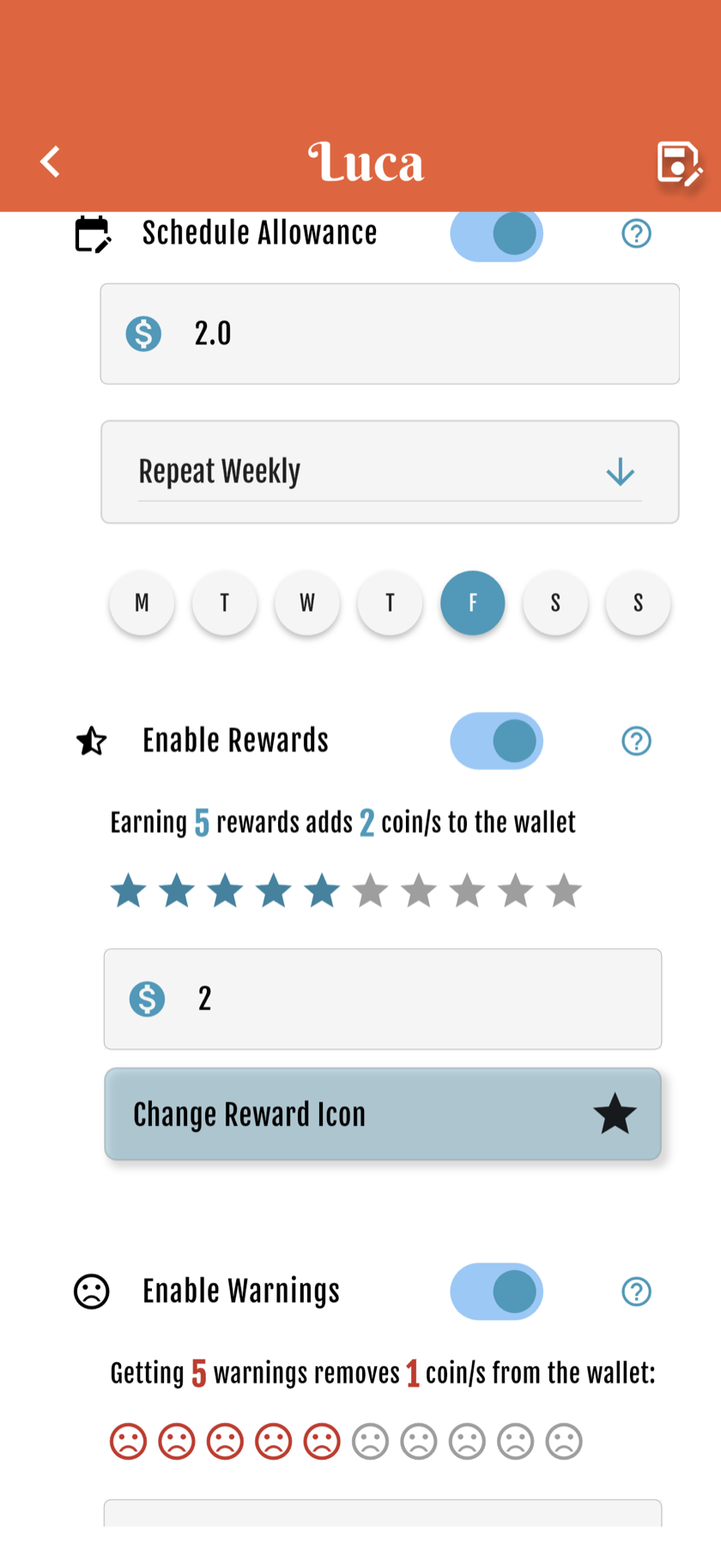
Go to Account → Your Wallets → the child. Turn on Schedule Allowance.
2
Pick frequency
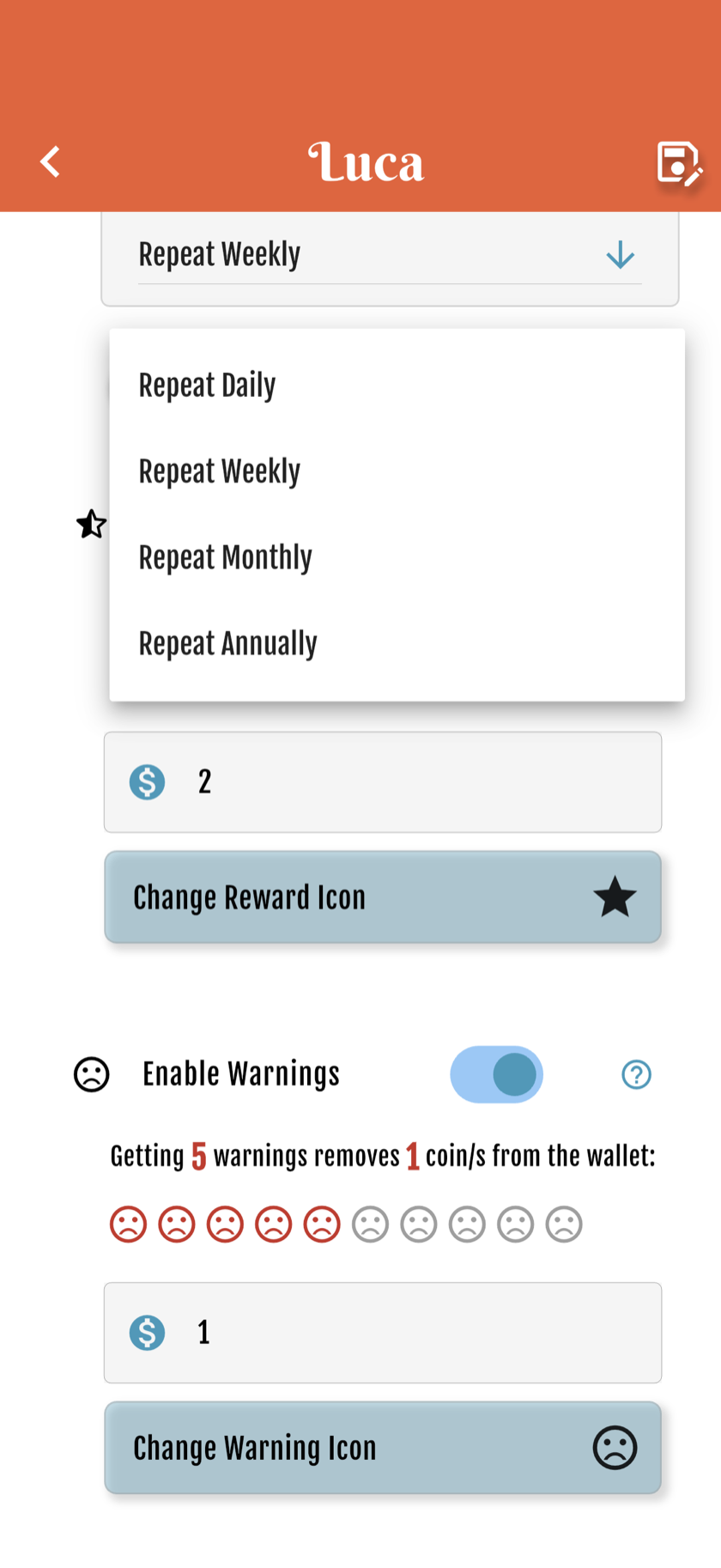
In that wallet’s settings, choose daily, weekly, monthly or yearly.
3
Amount & schedule
Set the coin amount and which days or date.

4
Coin ↔ money ratio
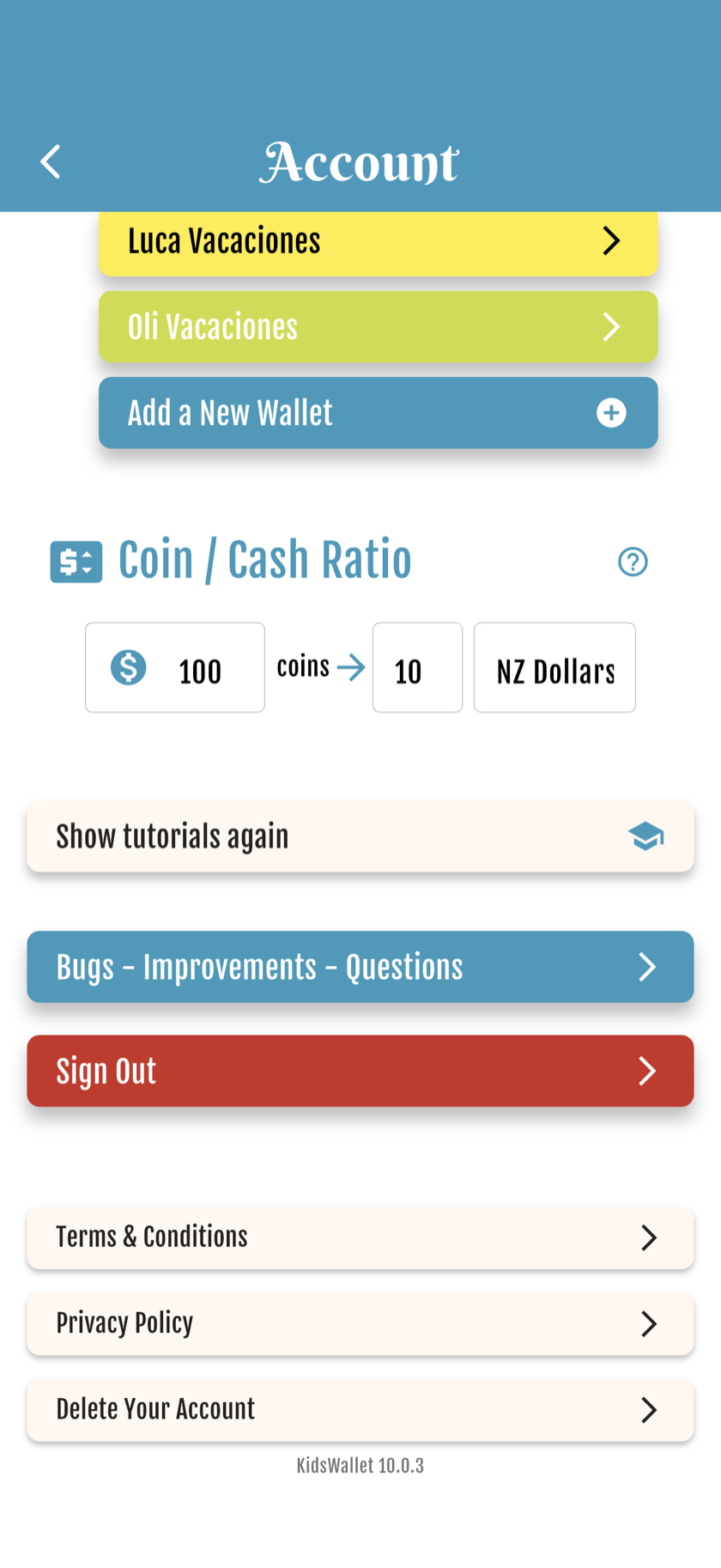
In Account settings, optionally map coins to real money.
5
Active summary
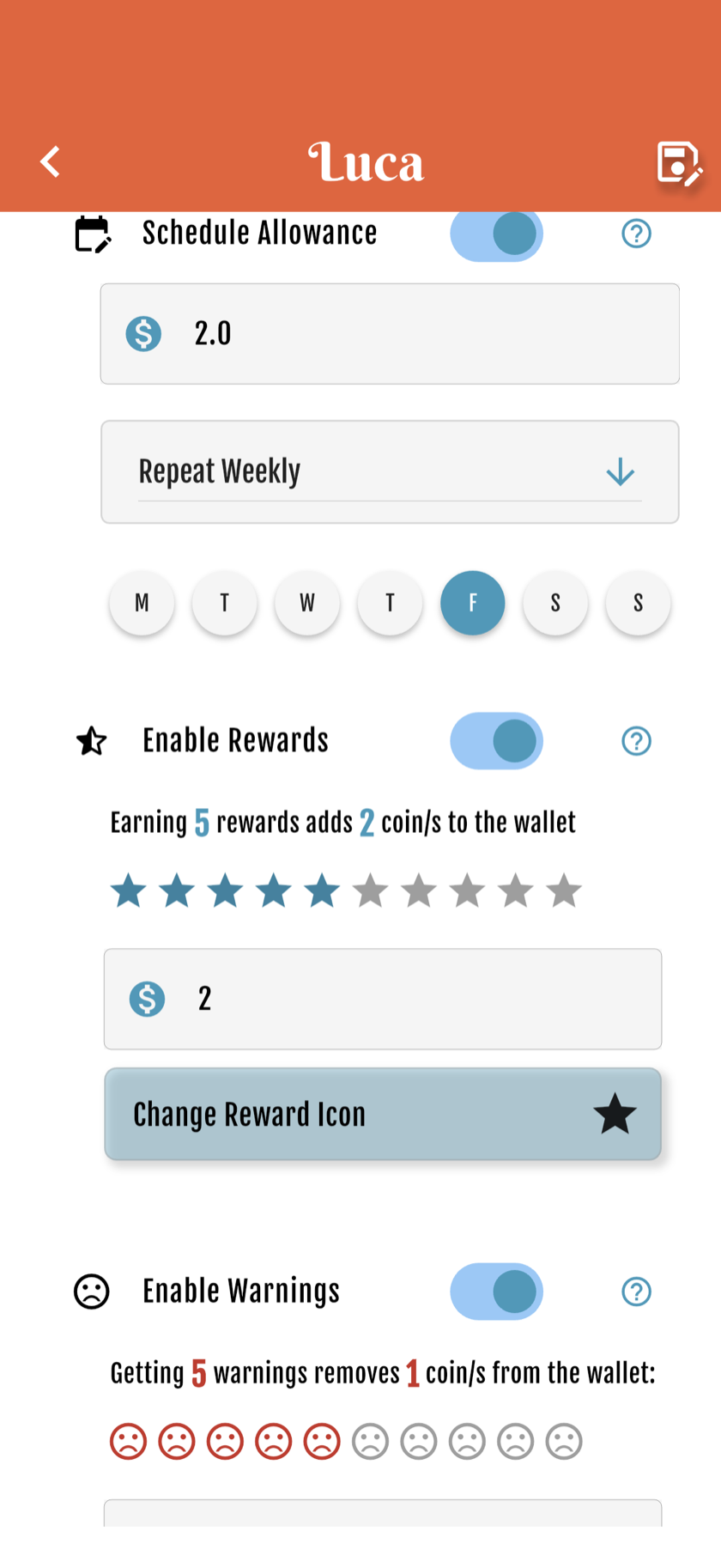
Open the child’s wallet to see the live allowance schedule.

6
Pause or disable
Turn off Schedule Allowance in that wallet’s settings anytime. Coins already there stay.
Starter free forever · Family: 7 days free, then from US$4.99/mo


Get started free